
Your 3D model library,
finally organized
3DCAT is a local-first desktop catalog for 3D print files. Browse, preview, tag, and share metadata across machines — without cloud lock-in.
3DCAT is a local-first desktop catalog for 3D print files. Browse, preview, tag, and share metadata across machines — without cloud lock-in.
Switch between a visual thumbnail grid and a compact list view. Navigate with keyboard arrows for rapid browsing.
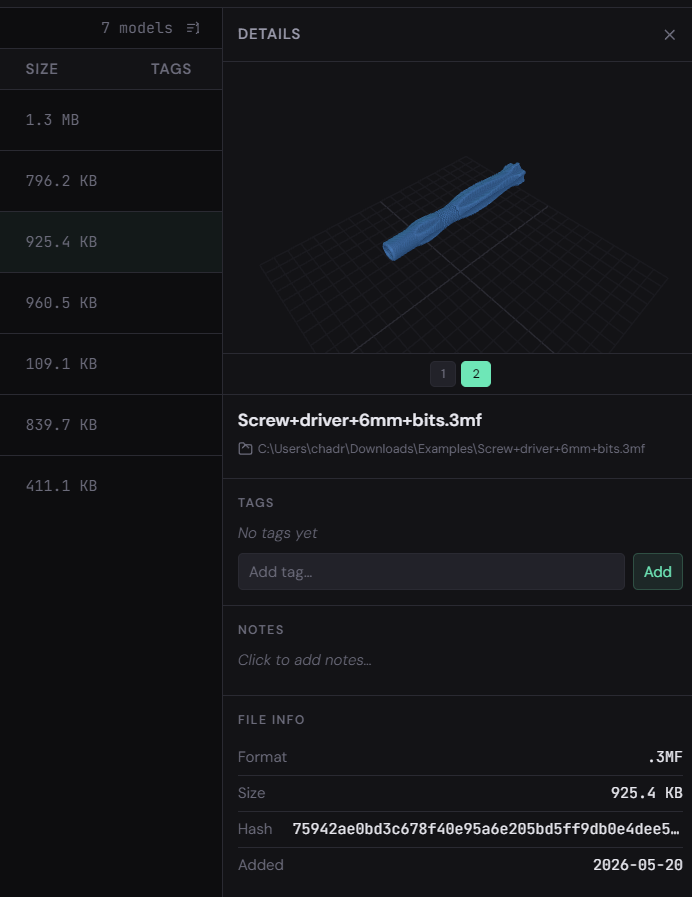
Rotate, zoom, and pan every model directly in the app. Multi-object files let you step through each mesh individually.
Tag any model with freeform labels. Filter by tag, search by name, combine with format filters to find exactly what you need.
All tags, notes, and thumbnails are bundled into a single .3dcat catalog file. Copy it to another machine and open it — everything is restored instantly.
Full-text search across file names and notes. Results update as you type — no waiting for an index rebuild.
Watch as many folders as you like. The sidebar tree reflects your folder structure, and each folder is scanned independently.
3DCAT indexes every STL, 3MF, OBJ, PLY, GLTF, GLB, and AMF file in your watched folders and keeps thumbnails ready to go.
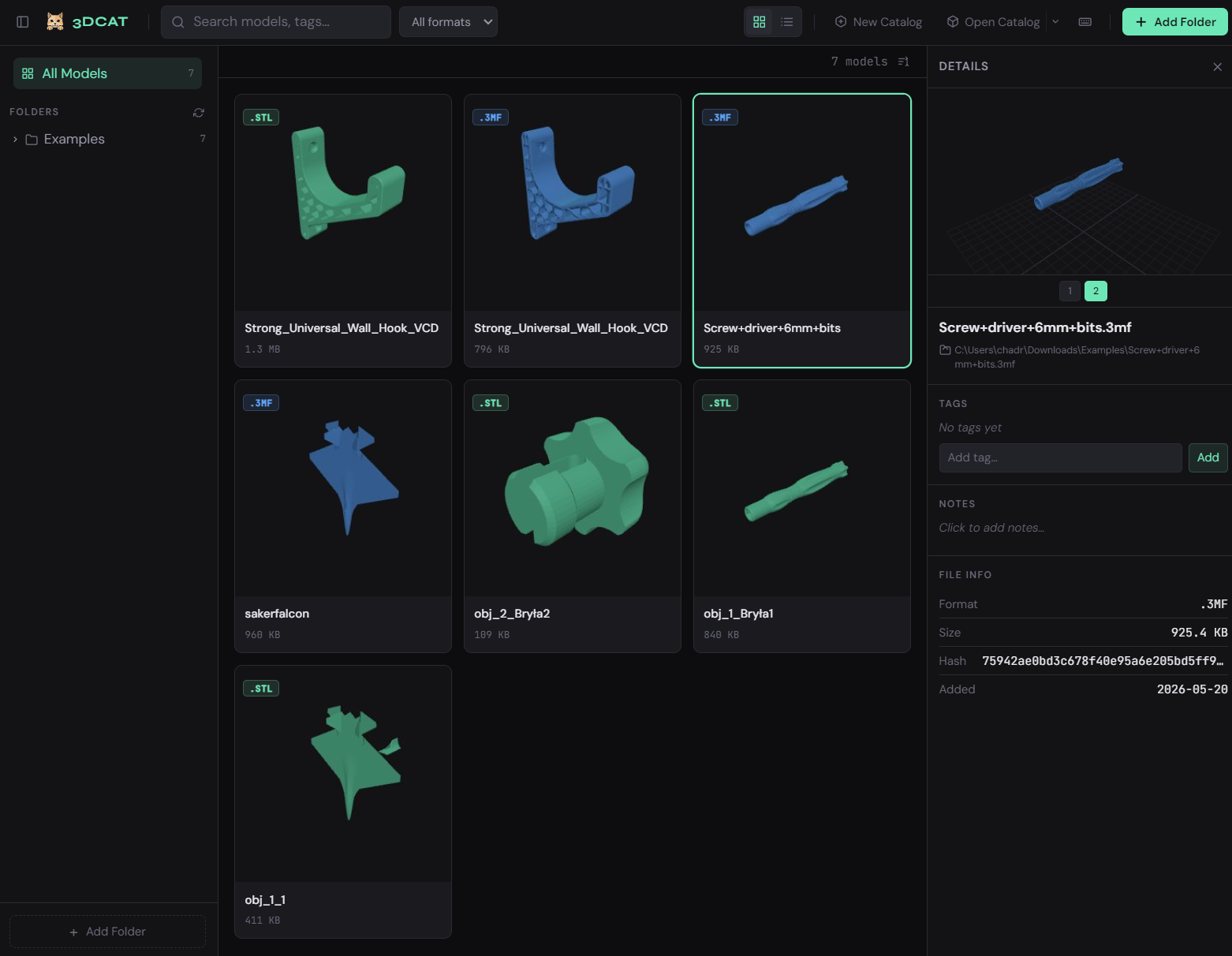
Every model gets a thumbnail rendered directly in the app using Three.js — no external tools required. Thumbnails are cached locally so subsequent opens are instant.
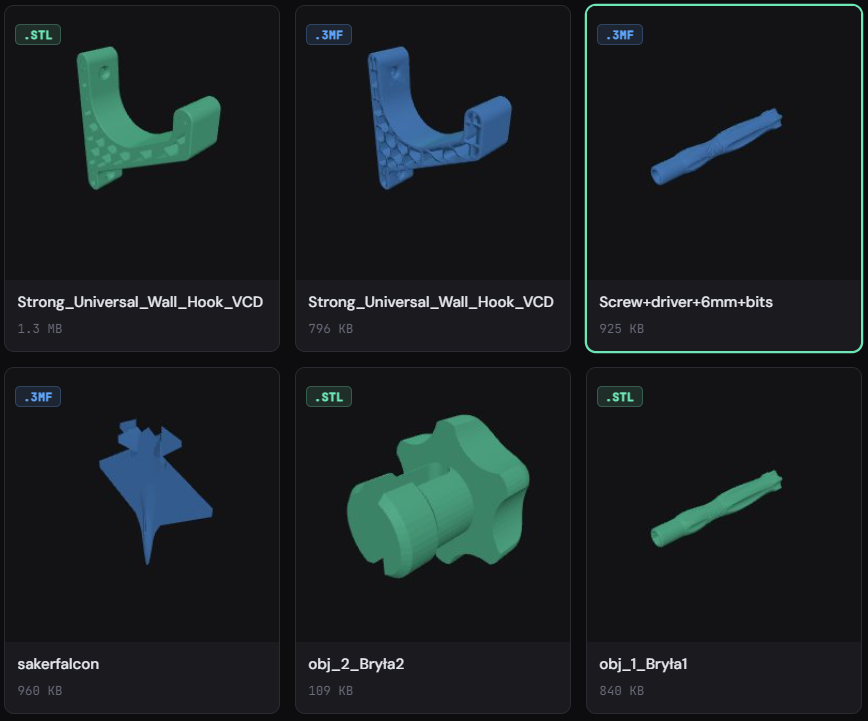
Switch to a compact list to see more models at once. Columns show filename, format, folder, file size, object count, and tags at a glance.
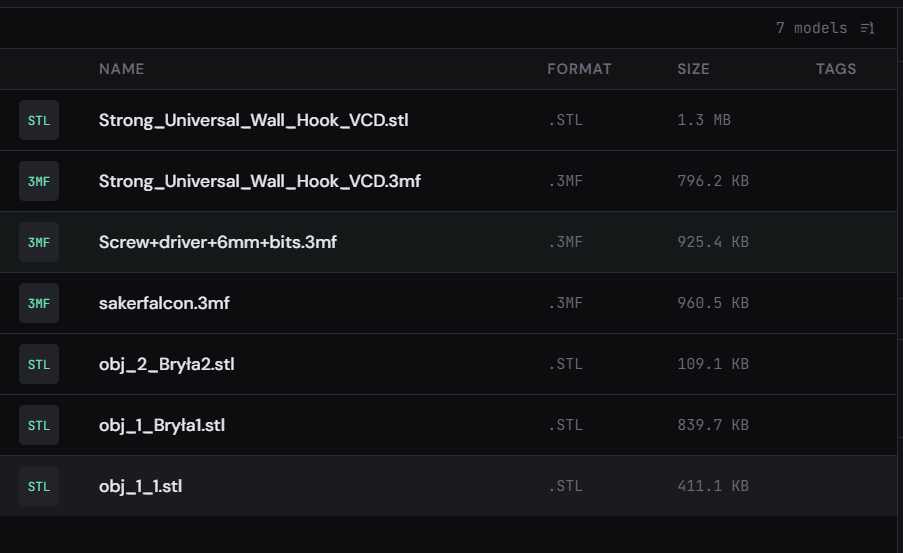
Interactive 3D viewer built on Three.js — rotate, zoom, and inspect any model without leaving the app.
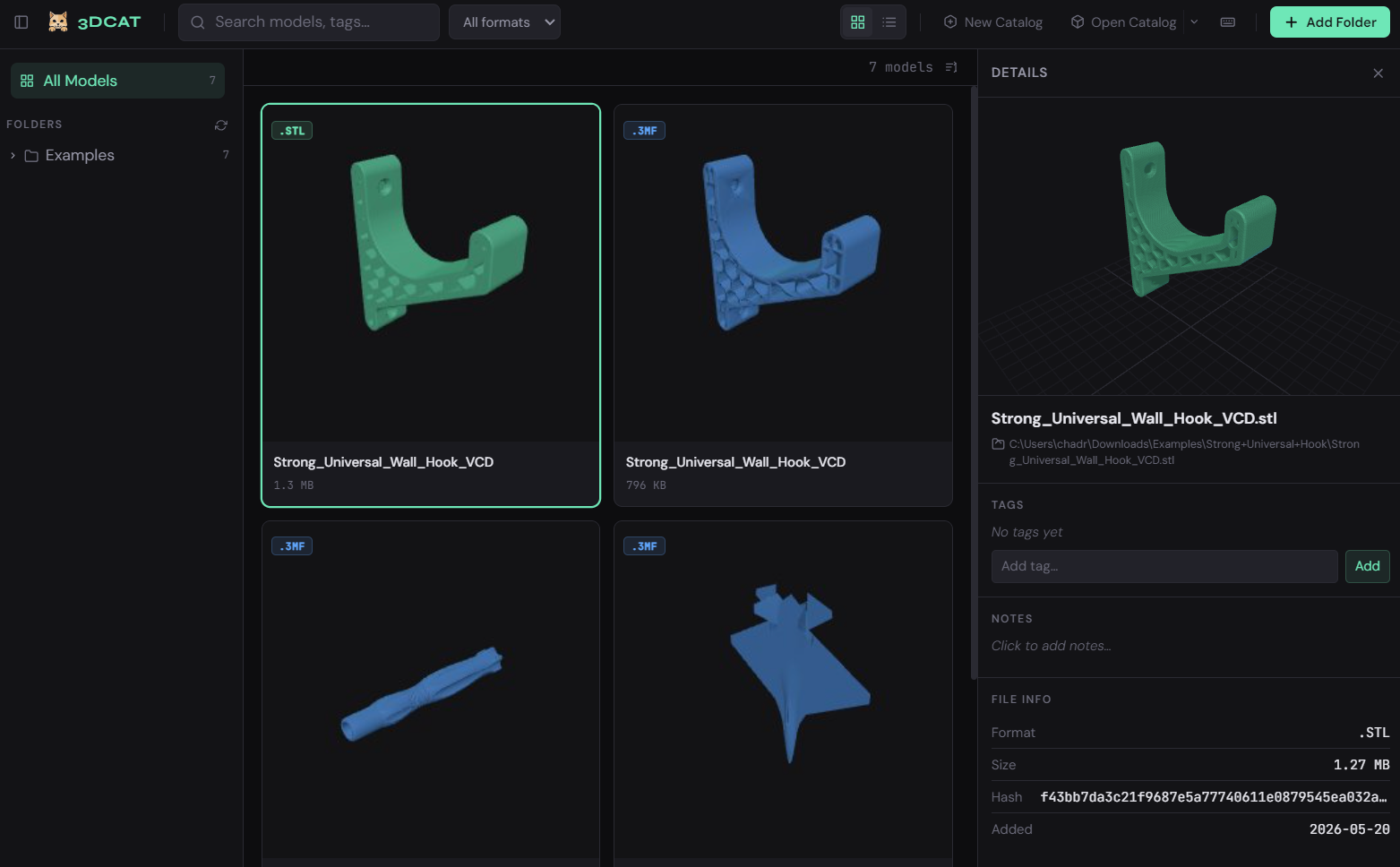
Press Enter on any selected model to slide open the detail panel. The 3D viewer fills the panel with orbit controls — drag to rotate, scroll to zoom, right-click to pan.
Hit Space at any time to open a full-screen modal preview — even without opening the detail panel first. Perfect for a quick look without changing your workflow.
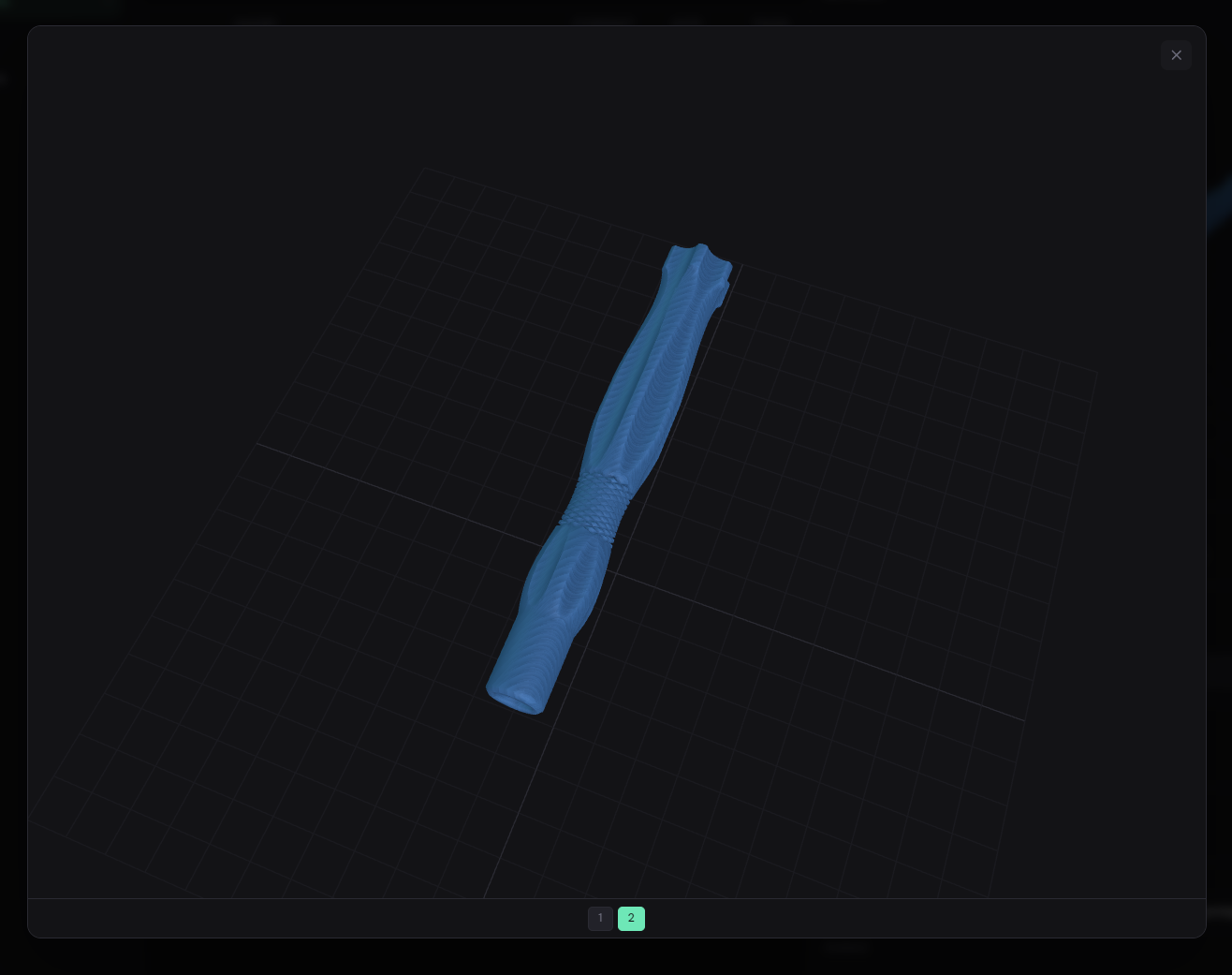
3MF, GLTF, GLB, and OBJ files often contain multiple meshes. 3DCAT loads all of them and shows an object count badge. Step through each mesh with the arrow keys in the preview.
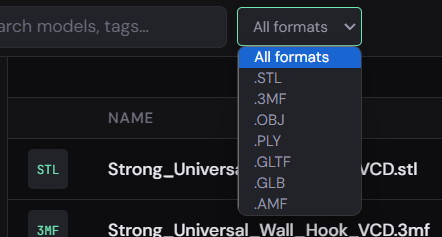
Add any label to any model. Tags power the sidebar filter, search, and the portable metadata file.
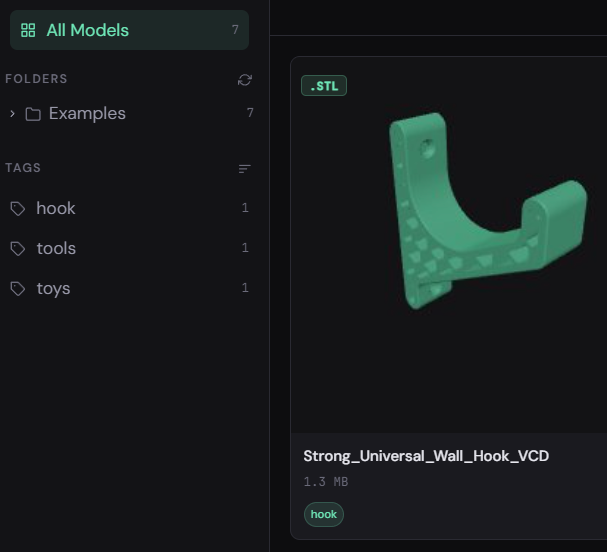
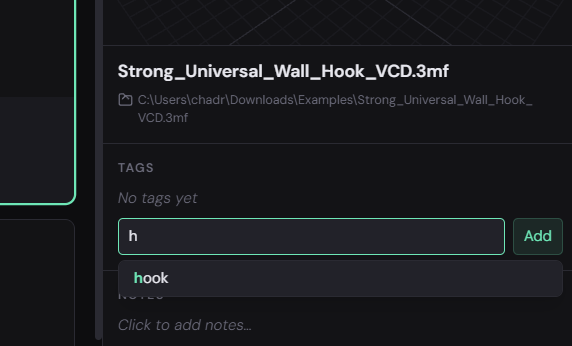
Start typing a tag name and 3DCAT suggests matches from your existing tag library. Select with the keyboard or mouse — no extra clicks needed.
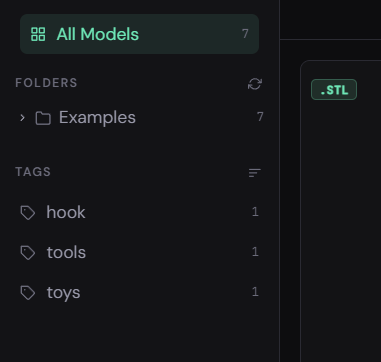
Every tag appears in the sidebar with a count of how many models carry it. Click any tag to instantly filter the grid — exactly like filtering a photo library by album.
A single .3dcat file holds your entire catalog — tags, notes, thumbnails, and a full database snapshot. Take it anywhere and restore in one click.
A .3dcat file is a compressed archive containing everything needed to fully restore your library — on the same machine or a new one.
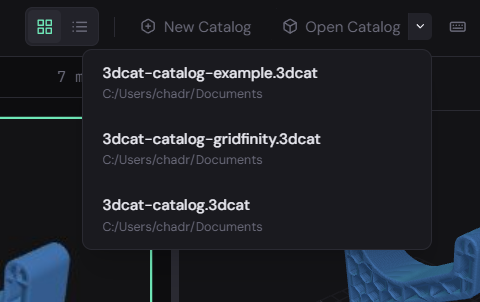
Create a fresh catalog to start clean, or open an existing one to instantly load a previous library state. The Open Catalog button includes a dropdown of your 10 most recently used catalogs for one-click access.
Copy the .3dcat file to another machine, open it, and your full catalog is restored — thumbnails included. No need to re-scan or re-tag anything.